> ## Documentation Index
> Fetch the complete documentation index at: https://docs.multisynq.io/llms.txt
> Use this file to discover all available pages before exploring further.
# Introduction
> Welcome to Multisynq - Build real-time collaborative applications with ease
 ## What is Multisynq?
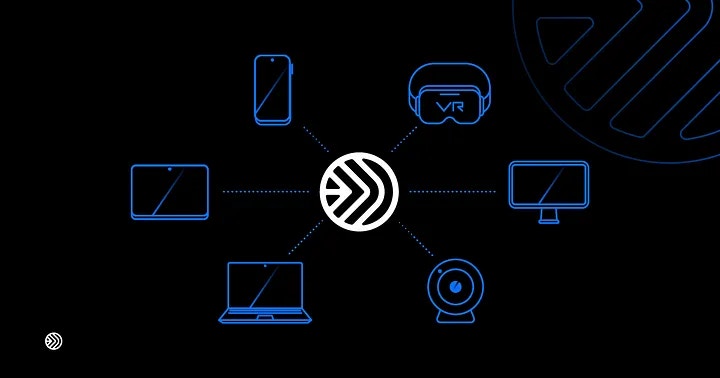
Multisynq is a powerful platform for building real-time collaborative applications. With Multisynq, you can create synchronized experiences that work seamlessly across multiple users and devices.
Start building your first Multisynq application in minutes
Explore our comprehensive API documentation
## Key Features
Build powerful real-time applications with these core Multisynq features:
Keep all users in sync with automatic state synchronization
Enable multiple users to edit content simultaneously
Intelligent conflict resolution for seamless collaboration
Built to scale from prototype to production
## Start Building
Ready to create your first Multisynq application? Check out our quickstart guide to get up and running in minutes.
Build your first real-time collaborative app with Multisynq
## What is Multisynq?
Multisynq is a powerful platform for building real-time collaborative applications. With Multisynq, you can create synchronized experiences that work seamlessly across multiple users and devices.
Start building your first Multisynq application in minutes
Explore our comprehensive API documentation
## Key Features
Build powerful real-time applications with these core Multisynq features:
Keep all users in sync with automatic state synchronization
Enable multiple users to edit content simultaneously
Intelligent conflict resolution for seamless collaboration
Built to scale from prototype to production
## Start Building
Ready to create your first Multisynq application? Check out our quickstart guide to get up and running in minutes.
Build your first real-time collaborative app with Multisynq